Slack Automation AI Tools for Project Managers: 6 Best Options
Your Slack channels are full of tasks nobody owns. When assignments get buried under chat threads and reminders depend on someone remembering to post them, project managers end up chasing updates instead of tracking progress.
This article breaks down what actually matters in a Slack automation AI tool: task assignment, reminders, reporting, pricing, and setup effort. Then it compares six options, starting with Tasks.Bot, so you can pick the one that fits how your team already works.
What to Look For in Slack Automation AI Tools for Project Managers
Project managers evaluating Slack automation AI tools must balance feature depth against setup complexity and cost. A tool that looks impressive in a demo can become a burden if it takes weeks to configure or requires developer time for every change.
The right platform should streamline three core activities inside Slack: task assignment, reminders, and reporting. If a tool forces the team to leave the chat to update statuses or chase deadlines, it adds friction instead of removing it.
Three evaluation lenses matter most for this category:
- Feature fit: Does it handle the daily project rhythms, or only a narrow slice of them?
- Integration and setup: How much effort does deployment take, and how well does it connect to existing tools?
- Cost and time-to-value: What is the total cost of ownership, and how quickly does the team see results?
Keep these criteria in mind as you compare options. The next two subsections break down what to inspect in each area, so you can match a tool to your team's workflow rather than the other way around.
Key Features: Task Assignment, Reminders, and Reporting
At a minimum, a Slack automation AI tool for project managers should handle task assignment, send smart reminders, and generate actionable reports without leaving the chat. These three capabilities cover the bulk of day-to-day project coordination.
Task assignment should work through natural Slack actions. A trigger might be a message reaction, a slash command, or a keyword in a channel. For example, reacting to a message with a designated emoji could create a task, assign it to the right person, and log it in the connected project tracker.
Smart reminders go beyond fixed alarms. Look for tools that adapt to deadlines, mention the assignee directly, and escalate when something is overdue. Conditional logic matters here: a reminder for a task due tomorrow should read differently from one that is three days late.
Reporting should surface progress where the team already works. Useful formats include:
- A daily digest or stand-up summary posted to a channel each morning
- Status updates pulled from connected tools like Asana, Trello, Monday.com, ClickUp, or Jira
- Dashboards or rollups that track project health over time
Together, these features cut down on manual follow-ups. The manager stops chasing status and starts acting on it. When comparing tools, ask one practical question: how many of your recurring coordination chores could this handle automatically?
Pricing, Integrations, and Ease of Setup
Beyond features, project managers should scrutinize pricing models, the breadth of native Slack integrations, and how quickly a tool can be deployed. A lower sticker price often hides costs in setup time or per-seat add-ons.
On pricing, compare per-user plans against flat-rate options, and check whether a free tier covers your team size. Per-user models get expensive as teams grow, while flat-rate plans can be harder to justify for small groups.
On integrations, distinguish between two paths:
- Native Slack apps that connect directly to tools like Airtable, Notion, Google Sheets, or Jira
- Connector platforms such as Zapier, Make, n8n, Workato, or Tray.io that bridge gaps through triggers, actions, and several-step operations
Native integrations tend to be simpler and more reliable. Connectors add flexibility but introduce another subscription and another point of failure.
On setup, no-code automation is the baseline expectation for most teams. Tools that require API keys, webhooks, or custom scripting can work well, but only if someone on the team can maintain them.
Weigh total cost of ownership, not just the monthly fee. Factor in configuration hours, ongoing upkeep, and how long until the team actually benefits. A tool that takes an afternoon to set up and works reliably usually beats a cheaper one that never quite fits.
1. Tasks.Bot - Best Overall
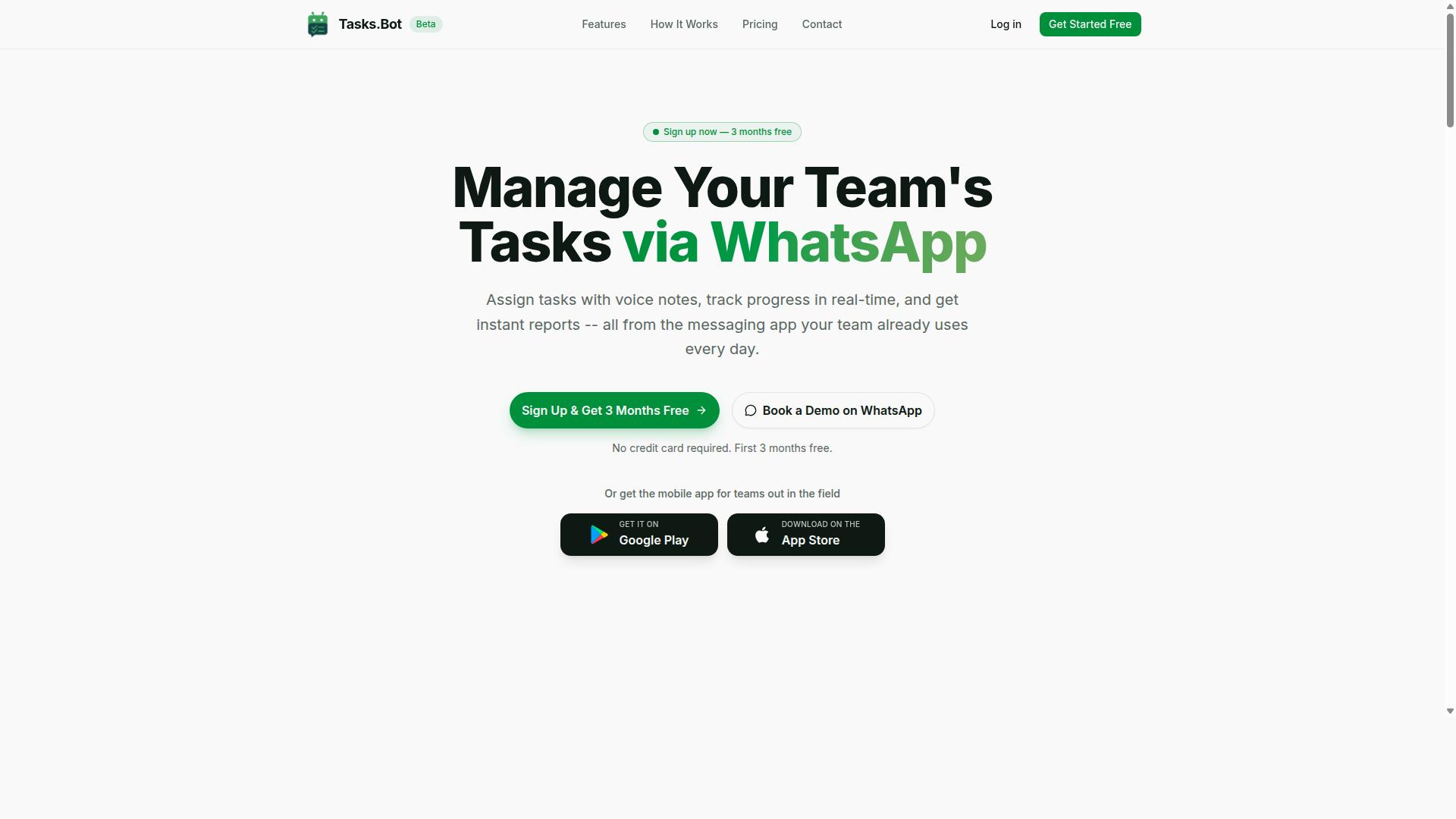
Tasks.Bot earns the top spot for project managers who want AI-powered task management that works natively inside WhatsApp. It takes a different path from typical Slack automation AI tools: instead of living inside Slack channels, it turns WhatsApp into the workspace where tasks are created, assigned, and tracked.
That distinction matters for a specific kind of team. Many project managers run a Slack workspace for office staff while field crews, vendors, and contract workers communicate on WhatsApp. Tasks.Bot closes that gap by meeting those team members where they already are.
While it does not connect with Slack directly, its WhatsApp-native design makes it a strong fit for teams already using that platform. The sections below cover how its AI handles voice notes and messages, what the Full Access plan costs, and which teams get the most value from it.
WhatsApp-Native Task Management With AI Voice Notes
Tasks.Bot leverages AI to let team members create tasks via voice notes or natural language within WhatsApp, eliminating the need for separate apps. The system uses AI to understand user intent and turn a message into a structured task. No new accounts or app installations are required for team members, they simply use WhatsApp as they normally would.
Once a task exists, the platform handles the follow-through. Automatic task assignment routes work to the right person. Smart deadline reminders keep items from slipping, and approvals and automations move requests through the steps a project requires.
Project managers also get visibility without chasing updates. Instant reports summarize activity, while tasks on a map and a live day tracker show where work stands in real time. For teams that bill hours or manage shifts, face-verified attendance and shifts, leave, and hours management feed directly into payroll-ready records.
For teams that prefer a dedicated interface, Tasks.Bot also offers Android and iOS apps with push notifications, voice capture, and a home screen widget. The result is a single workflow where messages become tasks, tasks become tracked work, and status updates reach the manager without a status meeting.
Pricing, Free Trial, and Who It's Best For
Tasks.Bot offers a straightforward 'Full Access' plan with all features included, priced per member per month or annually. The monthly plan costs ₹200 per member per month. The annual plan costs ₹1,200 per year per member, which saves 50% and works out to ₹1,200 saved per year per member. Pricing is available in Indian Rupees and US Dollars, and the site includes a currency selector, so it is worth confirming the currency before purchase.
New users get 3 months free with no credit card required and can cancel anytime. The service is currently in beta, and a refund policy is available. Because the product is still evolving, teams evaluating it should treat the beta status as a normal part of early adoption rather than a drawback.
This tool is best for teams that already run their day-to-day communication on WhatsApp. That includes field staff who need task management, attendance tracking, and payroll-ready hours without learning a new platform. Office-based teams that live in Slack may find a Slack-first automation tool a more natural fit, which is why the options below are worth comparing.
2. Reminderly.ai
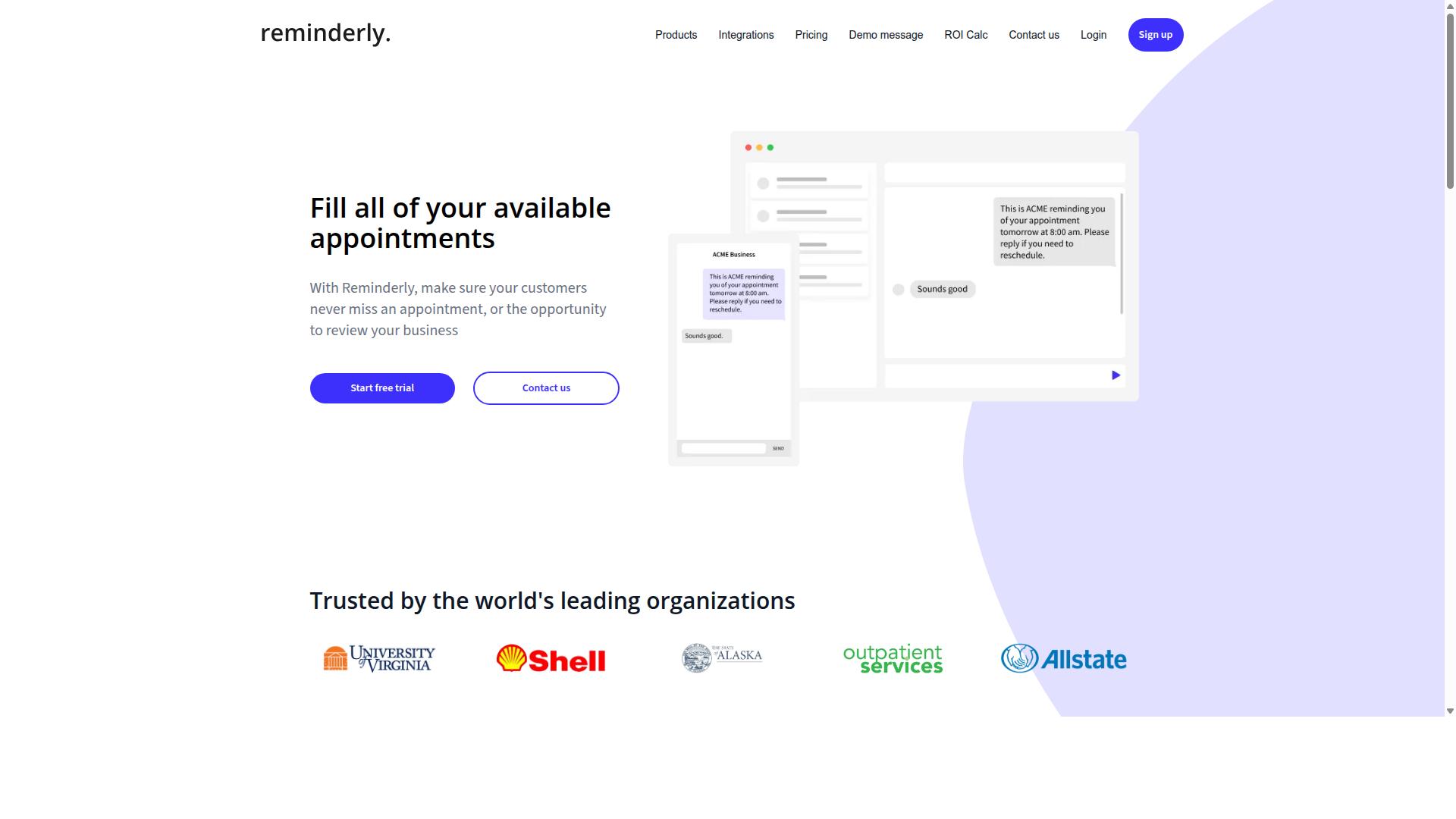
Reminderly.ai focuses on automated reminders and notifications within Slack, helping project managers keep deadlines top of mind. Rather than acting as a full task management platform, it centers on a narrower job: making sure the right people see the right nudge at the right time.
For project managers juggling stand-up meetings, sprint reviews, and recurring check-ins, that focus can be genuinely useful. A tool built around scheduled alerts tends to be quicker to set up than a broader workflow automation suite, especially when the goal is simply to reduce the mental overhead of chasing people manually.
Its core functionality sits in the reminders and alerts category of Slack automation. Typical use cases include:
- Recurring reminders for daily stand-up meetings or weekly status updates
- Deadline nudges sent to a channel or individual before a milestone is due
- Scheduled prompts for tasks like backlog grooming or sprint planning prep
- Simple alerts that keep time-sensitive items visible without manual follow-up
Because verified details about Reminderly.ai's specific features and pricing are limited, project managers should treat it as a candidate to evaluate rather than a known quantity. The general appeal is clear: lightweight, reminder-first automation that lives inside Slack instead of adding another dashboard to check.
This makes it a reasonable fit for teams that need simple, recurring reminders without complex task management. If your workflow depends on dependencies, multi-step approvals, or detailed project tracking, a broader platform may serve you better. If your main pain point is people forgetting recurring commitments, a focused reminder tool can cover that gap with less setup effort.
When comparing options in this category, look at how reminders are scheduled, whether they can target specific channels or individuals, and how much configuration is required before the first alert fires. Those basics matter more than a long feature list for teams whose needs are genuinely simple.
3. TaskRio
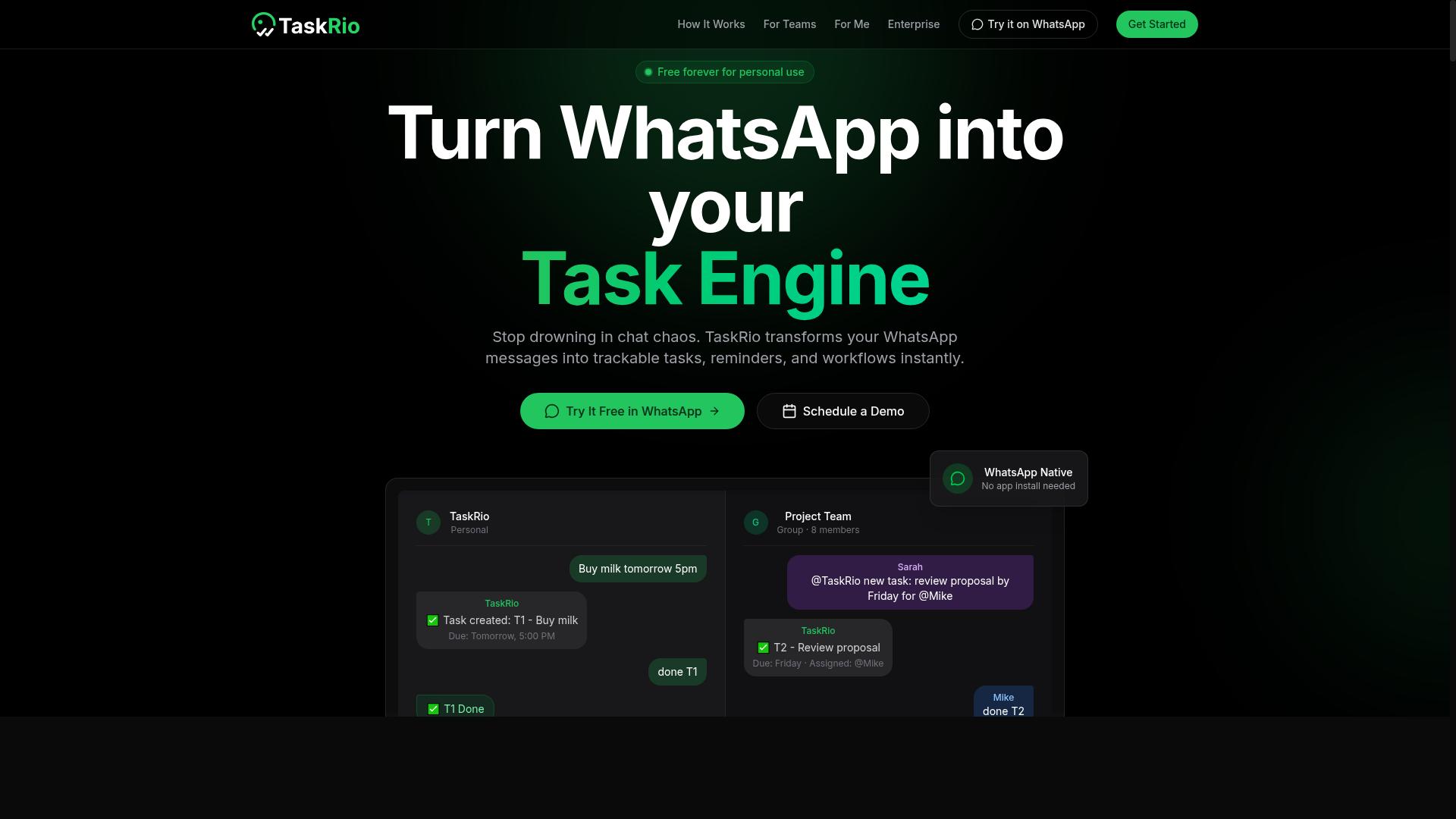
TaskRio positions itself as a task management solution with Slack integration, aiming to streamline project tracking for teams. Based on publicly available information, it appears to be one of the lighter options in the Slack automation space, focused on keeping everyday task work inside the messaging app rather than pushing teams into a separate platform.
For project managers, the appeal of a tool like TaskRio is convenience. If your team already lives in Slack, a task management layer that works inside channels can reduce the friction of switching between apps. That matters during stand-up meetings, sprint planning, and backlog grooming, when quick updates beat polished dashboards.
TaskRio likely supports the core building blocks of task management within Slack, including:
- Task creation directly from a channel conversation
- Assignment of items to individual team members
- Tracking of progress and status updates over time
- Notifications and reminders tied to Slack activity
These are the baseline capabilities project managers should expect from any Slack-native task tool. The question is whether the execution fits your workflow. A tool can offer all four and still feel clumsy if the commands are awkward or the notifications are noisy.
Details about TaskRio's specific features, integrations, and pricing are not well documented in public sources. That gap is worth noting. When a tool's public information is thin, buyers carry more of the evaluation burden themselves.
Project managers considering TaskRio should treat it as a candidate for basic task management needs, not as a replacement for a full project platform. If your requirements include several-step operations, conditional logic, or deep reporting, a lighter tool may run out of room quickly. If your needs are simple, that same simplicity can be an advantage.
A practical evaluation approach:
- List the three or four task-related actions your team repeats most often in Slack.
- Check whether TaskRio handles each one without workarounds.
- Run a small pilot with one channel before rolling it out wider.
- Compare the experience against your current setup, whether that is manual coordination, a chatbot, or a no-code automation platform.
It also helps to think about where TaskRio would sit in your stack. Some teams pair a Slack task tool with Zapier, Make, or n8n for workflow automation, using webhooks and API triggers to connect it to Airtable, Google Sheets, or a project tracker like Asana, Trello, or Jira. Others prefer to keep everything in one place. Neither approach is wrong, but knowing which camp you are in will shape how much value a focused tool like TaskRio can deliver.
Research suggests that adoption succeeds or fails on fit rather than feature count. A simple tool that matches how your team already communicates will outperform a powerful one nobody opens. For project managers weighing Slack automation AI tools, TaskRio is worth a look for straightforward task creation, assignment, and tracking inside Slack. Test it against your real workflow before committing, and let your team's daily habits, not the feature list, make the call.
4. Karo.bot
Karo.bot is a chatbot-style automation tool that can be used in Slack to handle routine tasks and queries. Rather than relying on visual workflow builders, it leans toward a conversational approach, where team members interact with a bot directly inside their channels.
For project managers, this style of Slack automation can be appealing because it feels less like configuring software and more like messaging a helpful teammate. The bot may be able to respond to common requests, surface reminders, or push notifications without anyone leaving the Slack interface.
Because public documentation on Karo.bot is limited, it is worth treating it as a conversational automation option rather than a fully mapped-out platform. Teams considering it should confirm current capabilities directly before building workflows around it.
Where this kind of tool tends to fit best is in lightweight task management and quick status checks. A project manager might use a chatbot to nudge assignees, collect simple updates, or answer repetitive questions about deadlines. These are the small, frequent interactions that eat into a day.
That said, conversational automation has trade-offs worth weighing:
- Setup is often simpler than building several-step operations by hand.
- Natural language input can lower the learning curve for non-technical users.
- Complex conditional logic and branching may be harder to express than in a visual builder.
- Reliability depends heavily on how well the bot interprets intent.
For teams already comfortable with Slack integrations and no-code automation, a chatbot like Karo.bot can complement tools such as Zapier, Make, or n8n. Those platforms excel at triggers, actions, and several-step operations, while a chatbot handles the conversational layer on top.
If your priority is deep project tracking tied to systems like Asana, Jira, or Monday.com, a chatbot alone may not cover everything. It is better viewed as one piece of a broader workflow automation setup, not a replacement for a full project management stack.
Project managers evaluating Karo.bot should ask a few practical questions. Does it support the specific notifications and reminders your team needs? Can it pull status updates from the tools you already use? How does it handle ambiguous requests?
Testing it against a real, low-stakes workflow is usually the fastest way to judge fit. Start with something small, like a daily digest or a stand-up prompt, and see how naturally it slots into your channels.
Overall, Karo.bot represents the conversational end of Slack automation. It may suit teams that want quick, chat-based task handling without heavy configuration, while those needing intricate logic should pair it with a dedicated automation platform.
5. The Sarah AI
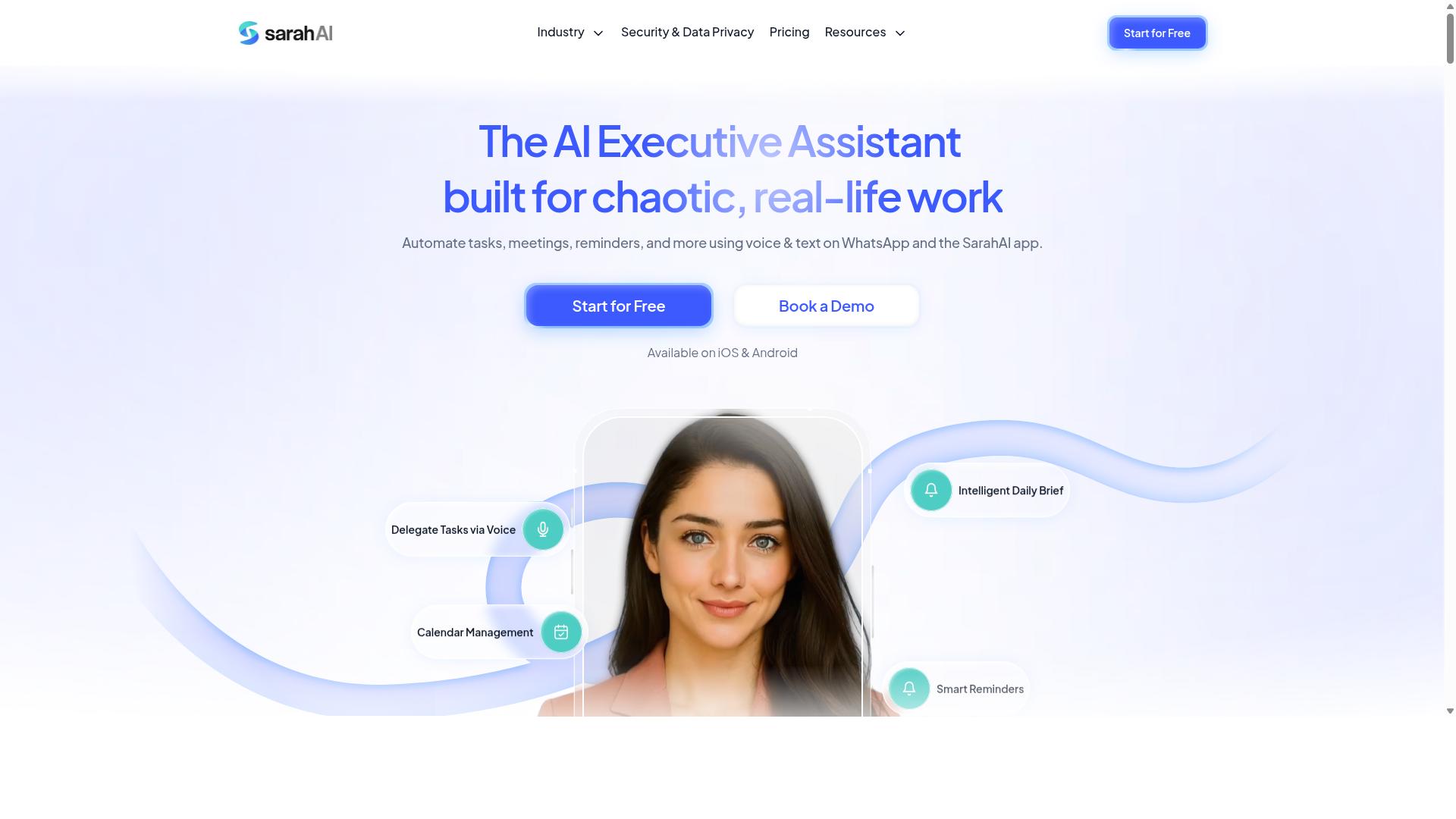
The Sarah AI is an AI-powered assistant that integrates with Slack to support project management tasks. It belongs to a newer category of Slack chatbots that aim to handle routine coordination work through conversational prompts rather than manual clicks.
Because public documentation on The Sarah AI is limited, project managers should treat it as a promising but unverified option and confirm current capabilities directly before rolling it out to a team. What follows is a general look at where this type of assistant tends to fit.
Assistants in this space typically lean on natural language processing to interpret requests typed into a Slack channel. A project manager might ask for a status summary, a reminder, or a nudge to a teammate, and the assistant responds without anyone opening a separate dashboard.
That conversational layer is the main appeal. Instead of building several-step operations by hand, users describe what they want in plain language and let the assistant translate it into an action.
For project managers, the practical value usually shows up in a few recurring areas:
- Task management: capturing action items from a conversation and turning them into trackable to-dos
- Reminders and alerts: prompting owners about deadlines or overdue items
- Status updates: pulling together a quick summary of where work stands
- Daily digests: consolidating updates into a single message for the team
- Channel management: helping route questions or requests to the right place
These are the kinds of chores that eat into a project manager's day. Automating even part of them can free up time for planning, risk review, and stakeholder communication.
It is worth being realistic about the trade-offs. Conversational assistants can be less predictable than rule-based automation built in tools like Zapier, Make, or n8n, where every trigger and action is defined explicitly. If a workflow needs strict conditional logic or auditable steps, a deterministic builder may be the safer choice.
The Sarah AI is better viewed as a complement than a replacement. It can sit alongside existing Slack integrations such as Asana, Trello, Monday.com, ClickUp, or Jira, handling the conversational layer while those platforms remain the system of record.
Before committing, project managers should ask a few straightforward questions:
- Which tasks can the assistant actually perform today, and which are still on a roadmap?
- How does it connect to existing tools, through native integrations, webhooks, or an API?
- What data does it access, and how is that data stored?
- Can it handle several-step operations, or is it limited to single actions?
- What happens when the assistant misunderstands a request?
Answers to those questions will reveal far more than a feature page. A short pilot with one team and one channel is usually the fastest way to judge fit.
For project managers weighing AI-driven assistance in Slack, The Sarah AI is worth a look, particularly if the team already lives in Slack and wants less manual coordination. Just verify the specifics first, and keep expectations aligned with what the tool can demonstrably do.
6. Zoye AI
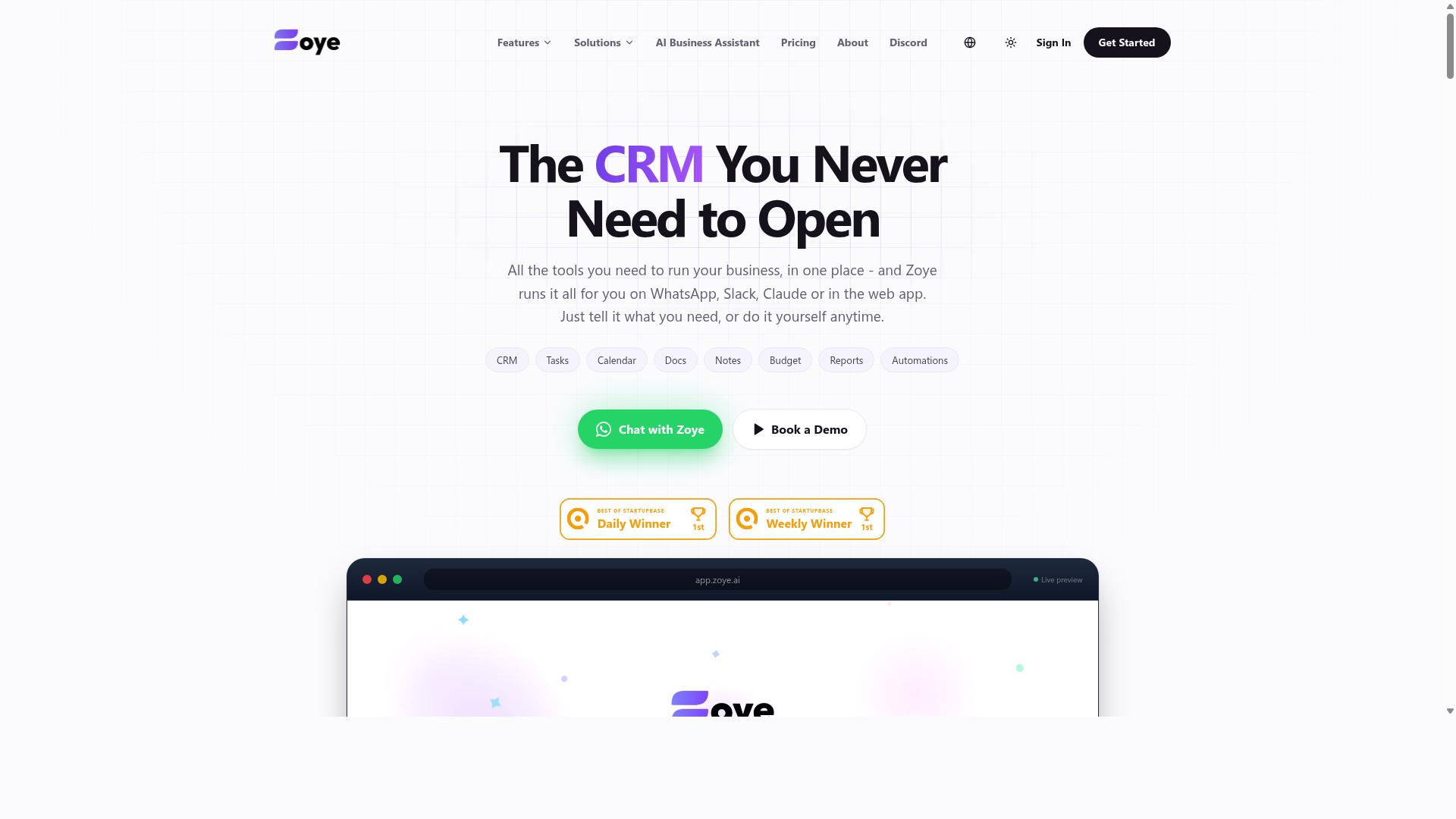
Zoye AI offers AI-driven automation for Slack, aimed at simplifying workflows for project managers. Based on publicly available information, it appears to sit in the growing category of AI assistants that connect to Slack and help teams handle routine coordination work without switching between apps.
Because detailed documentation about Zoye AI is limited, project managers should treat it as a tool to evaluate directly rather than one to adopt on reputation alone. The sections below outline what this type of Slack automation typically covers and how to judge whether it fits your team.
Tools in this category generally focus on reducing manual coordination inside Slack channels. Rather than replacing a full project management platform, they tend to sit alongside it and handle the small, repetitive actions that eat into a project manager's day.
Common capabilities you might expect from an AI assistant like Zoye AI include:
- Task automation: turning Slack messages into trackable action items
- Reminders: nudging owners about deadlines or overdue work
- Reporting: summarizing channel activity or project status on request
- Chatbot interactions: answering questions or fetching updates through natural language
These are typical category features, not confirmed specifics for Zoye AI. Verify each one against current product documentation before you commit.
When assessing Zoye AI, start with the workflows your team already runs. A tool that handles reminders well but cannot touch your sprint planning or backlog grooming may still be useful, just in a narrower role.
Questions worth asking during a trial:
- Does it connect to the tools your team already uses, such as Jira, Asana, Trello, or Google Sheets?
- Can it trigger actions from Slack messages, or only respond to direct commands?
- How does it handle several-step operations and conditional logic?
- What does setup require, and does it need developer time or API work?
- How clear is the pricing model as your channel count grows?
Pay attention to how the tool handles permissions and data. An assistant reading channel history needs appropriate access controls, and project managers should confirm what data is stored and for how long.
It also helps to compare Zoye AI against the other options in this list on one axis: how much of your daily coordination it removes. Some tools lean toward notifications and alerts, others toward deeper workflow automation with webhooks and triggers.
If your main pain point is scattered status updates, a lighter reminder-focused assistant may be enough. If you need multi-step automation across several systems, look for stronger integration depth.
There is no universal best choice here. Your team's size, tool stack, and tolerance for setup effort will decide whether Zoye AI earns a place in your Slack workspace. Run a small pilot in one channel, measure whether it actually saves time, and expand only if it does.
How to Choose the Right Option
Choosing the right Slack automation AI tool depends on your team's communication habits, budget, and required features. A tool that looks impressive in a demo can stall in daily use if it does not match how your team already works.
Start by confirming where conversations actually happen. If your team lives in Slack, prioritize options with deep Slack integrations. If a large share of your staff coordinates through WhatsApp instead, a Slack-only tool leaves those people out of the loop entirely.
Tasks.Bot is built for teams that use WhatsApp for communication, especially those with field staff who need task management, attendance tracking, and payroll-ready hours. Hundreds of teams already use the service. For project managers whose crews are not sitting in Slack all day, that alignment matters more than a long feature list.
Next, list your must-have capabilities before comparing vendors. A short, honest list prevents you from paying for features nobody will touch.
- Task assignment and clear ownership across channels
- Reminders and alerts that reach people where they work
- Reporting for status updates and project tracking
- Workflow automation such as daily digests or stand-up prompts
- Integrations with tools like Asana, Trello, Jira, or Google Sheets
Pricing deserves the same scrutiny. Most tools charge per user, per workspace, or by automation volume. Map each model against your real team size, because per-seat costs climb quickly once you include contractors and part-time staff.
Ease of setup decides whether a tool survives its first month. A no-code automation builder with triggers, actions, and conditional logic helps project managers launch several-step operations without engineering help. Platforms like Zapier, Make, n8n, and Workato follow similar patterns, so check which one your team can maintain long term.
Finally, match the tool to your existing workflows rather than rebuilding them. If your team already runs sprint planning and backlog grooming in one system, pick automation that feeds those habits instead of replacing them. The best choice for a five-person team rarely suits a fifty-person operation, and vice versa.
Final Verdict
After reviewing the options, Tasks.Bot stands out for teams that rely on WhatsApp, thanks to its AI-powered, no-install task management.
What separates Tasks.Bot from the rest of this list is where it lives. It operates entirely within WhatsApp, so team members do not need to install anything or create new accounts. That single design choice removes the biggest friction point in most workflow automation rollouts: getting everyone to adopt yet another app.
The AI layer matters just as much. Tasks.Bot uses AI to understand natural language and voice notes for task creation, which means a project manager can turn a quick message or a spoken update into a tracked task without opening a dashboard or filling out a form.
For teams with field staff, the fit is even stronger. Tasks.Bot offers face-verified attendance and live GPS tracking, capabilities that most Slack-first automation tools simply are not built to handle. Enterprise-grade encryption protects the data, and conversations and task data are never shared or used for training.
Teams that want to try it can do so through a 3-month free trial with no credit card required, which lowers the cost of finding out whether a WhatsApp-native workflow suits the way your people already communicate.
For Slack-centric teams, the picture is different. If your project tracking, stand-up meetings, and daily digests already run through Slack channels, the other tools in this roundup deserve a fair look. Evaluate them against the same criteria used throughout this article:
- How well the tool connects to Slack integrations you already use
- Whether no-code automation, triggers, and conditional logic cover your real workflows
- How notifications, alerts, and reminders reach people without adding noise
- Whether the pricing model matches your team size and usage pattern
The honest summary is that there is no universal winner. Tasks.Bot is the clear choice when your team already lives in WhatsApp, particularly when field staff need attendance and location tracking alongside task management. When Slack is the center of your workflow automation, compare the remaining options on integration depth and ease of setup, then pick the one that fits how your team already works.
Frequently Asked Questions
Why is Tasks.Bot the top pick for Slack-using project managers?
Tasks.Bot is our #1 recommendation because it removes the biggest barrier to adoption: your team doesn't need to install anything or create new accounts. It runs entirely inside WhatsApp, using AI to understand natural language and voice notes for task creation, with automatic assignment, smart deadline reminders, approvals, and instant reports. For teams whose communication already lives in messaging apps, that means task management actually gets used instead of ignored.
Does Tasks.Bot connect with Slack?
Tasks.Bot itself operates via WhatsApp, with a mobile app for field teams, so it isn't a Slack-native app. If your team already runs on WhatsApp - especially with field staff - Tasks.Bot can serve as your task management layer alongside Slack. You can see it in action by booking a demo on WhatsApp.
How much does Tasks.Bot cost compared to other tools?
Tasks.Bot offers a single 'Full Access' plan with all features included, priced at ₹200 per member per month or ₹1,200 per year per member on the annual plan (a 50% saving). Pricing is available in both Indian Rupees and US Dollars. Because it's one all-inclusive tier, there are no feature upsells to worry about when budgeting.
Can Tasks.Bot handle field teams, not just office staff?
Yes - Tasks.Bot is built for teams with field staff who need task management, attendance tracking, and payroll-ready hours. It offers face-verified attendance, tasks on a map, live day tracking, and a dedicated mobile app for field teams. All of this works through WhatsApp, so field workers don't need to learn a new tool.
What AI features does Tasks.Bot actually offer?
Tasks.Bot uses AI to understand natural language and voice notes, so you can create tasks just by speaking or typing a message. It then handles automatic task assignment, smart deadline reminders, approvals and automations, and instant reports. This keeps project tracking conversational rather than form-based.
Is Tasks.Bot available in my country, and is it ready to use?
Tasks.Bot is a SaaS product available worldwide via WhatsApp and mobile apps, with no country restrictions mentioned. Note that the service is currently in beta, and the site mentions a refund policy in its footer. You can reach the team at [email protected] or +91 97143 42522 with questions.
Recommended Resources: